
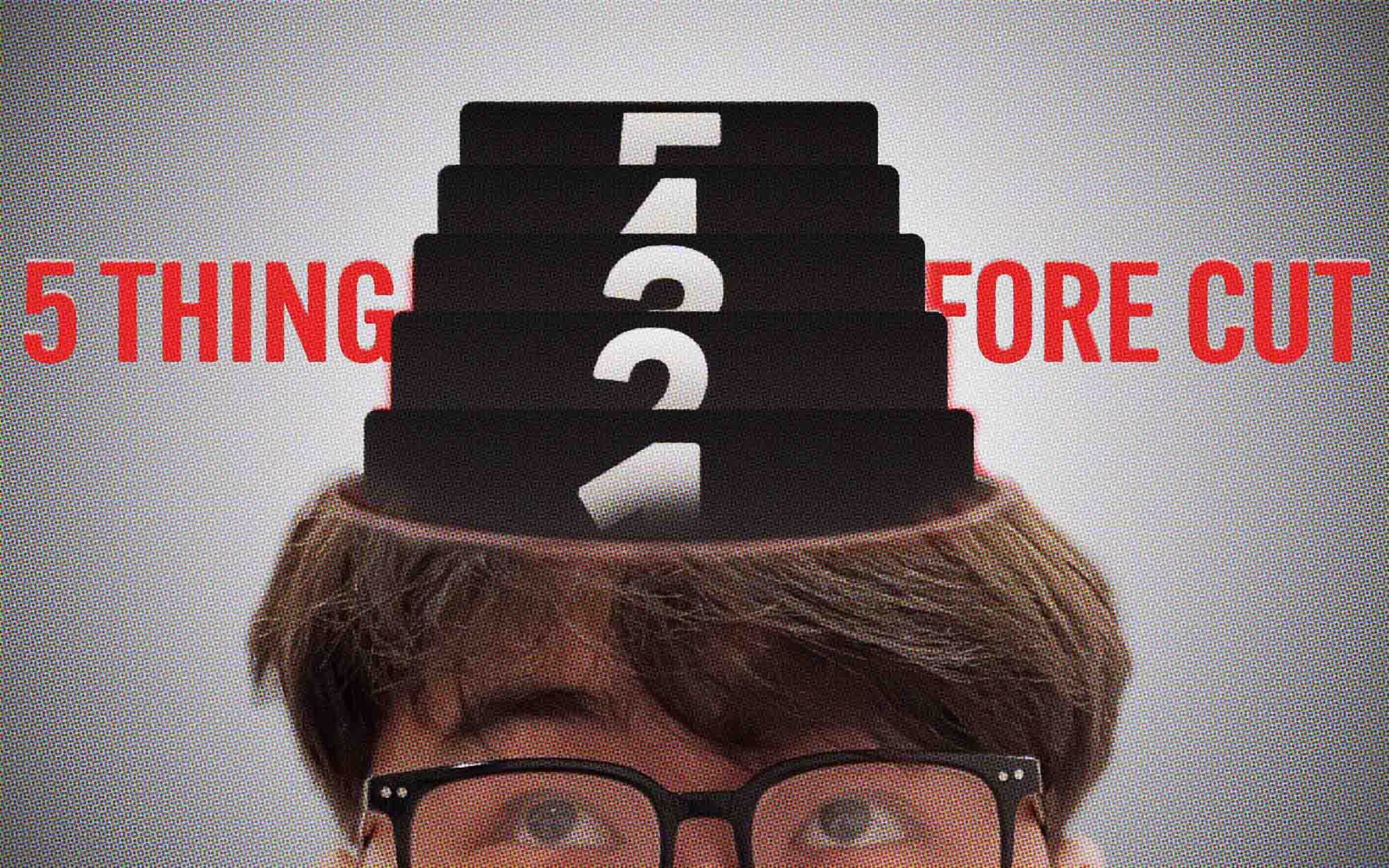
Because good editing starts before you open the software.
Editing a video isn't just lining up footage, adding transitions, or making pretty motion graphics. What matters more is understanding what the video is for and what you want to say to the people watching it.
Before you open your editing software, I'd like you to think about these 5 principles. They'll help you work with a clear direction and communicate what you want far more effectively.
1. Goal
Before you start cutting, you need to know what this video is for.
Think of The Martian. The main character has a clear goal: survive on Mars and find a way home. Every decision and every event connects back to that goal.
Video works the same way. If it's a tutorial, you might focus on the steps and on making sure viewers understand how to do it. If it's an ad, you might focus on the problem the product solves and the benefit the viewer gets.
Once you know the goal, it becomes much easier to decide what belongs in the video and what doesn't need to be there.
2. Clarity
Giving complete information doesn't mean people will understand it. What matters is that viewers understand what you're trying to say.
A clear example is Inside Out, which takes something abstract like human emotions and turns them into characters with distinct personalities, making a hard idea easy to picture.
In video, you can use text, motion graphics, B-roll or zooms to explain and highlight key points. But every element should have a job, not be there just because it looks nice or cool.
Always ask yourself: does what I'm adding help viewers understand more?
3. Story
A lot of great footage still won't make a great video if you don't know how to connect it.
An interesting example is the Google Parisian Love ad, which tells a man's love story entirely through the Google search box. The searches run in order, from studying in Paris, to starting a relationship, all the way to getting married and starting a family.
What makes the ad work is that every event connects and gradually moves the story forward, one step at a time.
Editing is the same. You don't have to put footage in the order it was shot. Instead, choose what to tell first and what to tell later, so viewers follow the story and see the change unfold.
Because what matters isn't how beautiful each shot is. It's whether each shot moves the story forward.
4. Retention
Getting people to stop scrolling is one thing. Getting them to want to watch to the end is another.
One useful idea comes from Alfred Hitchcock, the legendary director of thrillers, who explained the difference between surprise and suspense.
- Surprise: Viewers don't know what's about to happen, and then something suddenly shocks them.
- Suspense: Viewers know something is about to happen, so they feel the tension and want to know how it turns out.
You can apply this to video by designing the pacing so it gives information, creates a problem, and leaves questions that make viewers want to keep watching.
That said, retention doesn't mean cutting fast all the time. It means giving viewers a reason to stay with your video, whether that's curiosity, fun, or wanting to know the answer.
5. Action
A good video shouldn't end by just handing over information. It should have a direction: after watching, what do you want viewers to do?
Whether it's trying it themselves, following, sharing the video, leaving a comment, or buying the product, everything should line up with the goal of the video.
That's why scriptwriting is a skill editors shouldn't overlook. Beyond shaping the content, it helps design the experience and guide viewers toward what you want.
Try checking your video against these 5 questions:
- Do people stop scrolling to watch your video?
- Are viewers still with you after the first 5 seconds?
- Do viewers click the link or do what you want them to do?
- Is the content valuable enough that viewers want to save it?
- Have you raised a point that makes viewers want to comment or join the conversation?
Not every video needs to achieve all 5, because every video has a different goal. But these questions help you judge how well your content grabs attention and drives results.
In the end, everything starts with value
All 5 principles share one thing: value, what the video is worth to the viewer.
Value isn't limited to teaching something. It can be entertainment, beauty, emotion, inspiration, or helping viewers understand something difficult more easily.
Some work needs grand, beautiful visuals, while some needs simplicity and clarity. There's no single editing style that's best for every job.
What matters is understanding the value you want to deliver, then choosing editing techniques that fit that goal.
Because a great editor isn't just someone who knows the software. It's someone who knows what to put in, what to cut out, and how to get the video's value across to the viewer.
And that's why...
Good editing starts before you open the software.